Borderlands 2 Mods: New Features and SDK Setup Guide
Explore Borderlands 2 mods for inventory, camera comfort, and combat changes, then follow the SDK installation steps to customize your trip to Pandora.
Jump to

What Can You Change With Mods?
Pandora’s loot piles are easier to sort when your inventory does more of the work. Borderlands 2 mods can add equipment comparison tools, reduce camera motion, automate container opening, and change how grenades recharge. Start with the features you want to change, then follow the installation instructions for those downloads.
The options range from small HUD additions to a different camera perspective and a community character adaptation. Here’s what each changes, followed by the setup process for SDK mods.
Official page: Borderlands 2 (store.steampowered.com)
Inventory Tools and HUD Changes
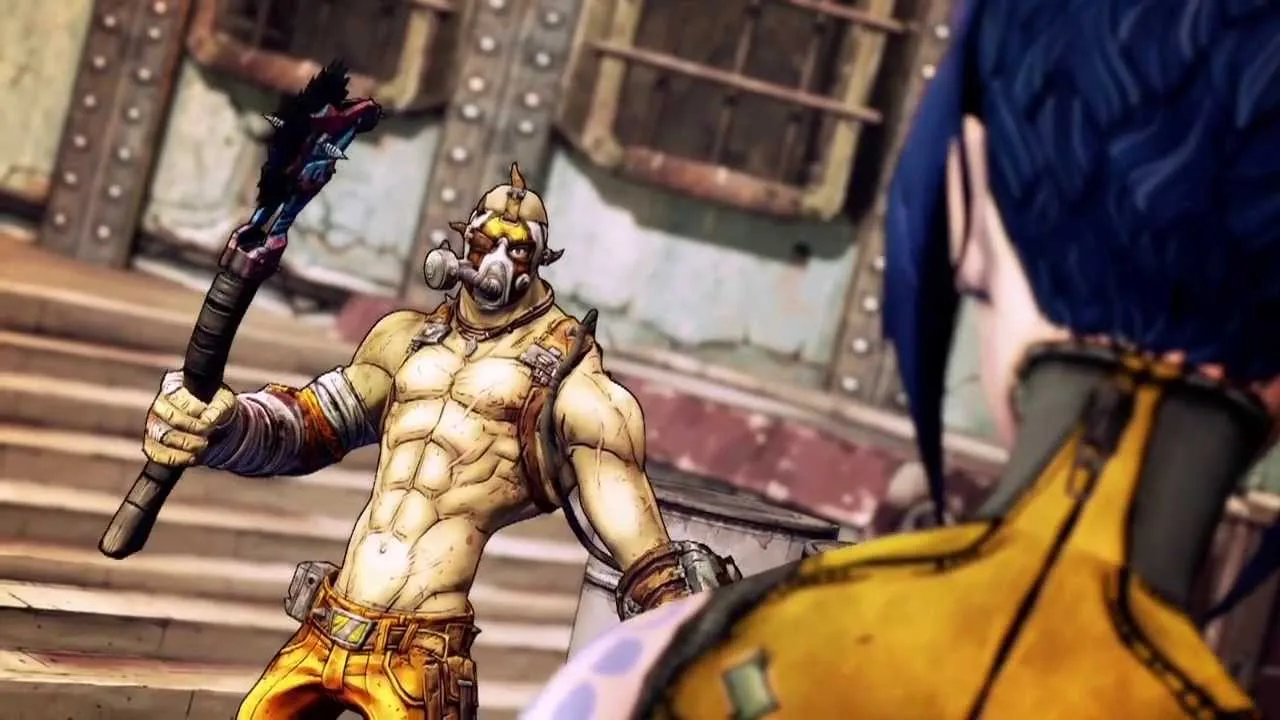
Inventory Overhaul
Inventory Overhaul replaces the game’s large item cards with an interface built for mouse and keyboard. It includes a comparison table, a stats page, filters, sorting, and an item card for equipment lying on the ground.
Use its filters and sorting tools to narrow down your inventory before comparing equipment. The comparison table puts item information side by side, giving you another way to work through a backpack full of potential upgrades.
Weapon DPS - Damage Per Second on Item Cards
This mod adds damage-per-second information to weapon cards in your inventory, at vendors, and on ground loot. It displays:
- Burst DPS.
- Sustained DPS that includes reloads.
- Average elemental damage for fire, corrosive, and shock, alongside a total.
Compare the sustained value when you want reload time included in the calculation. Check the elemental figures alongside the weapon’s other stats when choosing between guns.
Shield Recharge Timer and HudCleaner
Shield Recharge Timer adds a configurable HUD countdown showing the seconds remaining before your shield begins recharging. It makes the delay visible during combat.
HudCleaner lets you hide interface panels. Choose which panels to hide through its controls rather than replacing the entire HUD.
Speedometer adds another straightforward option: an overlay displaying your movement speed.
Camera Comfort, Third Person, and Movement
Several downloads target how moving and aiming feel, without replacing the inventory or changing your character.
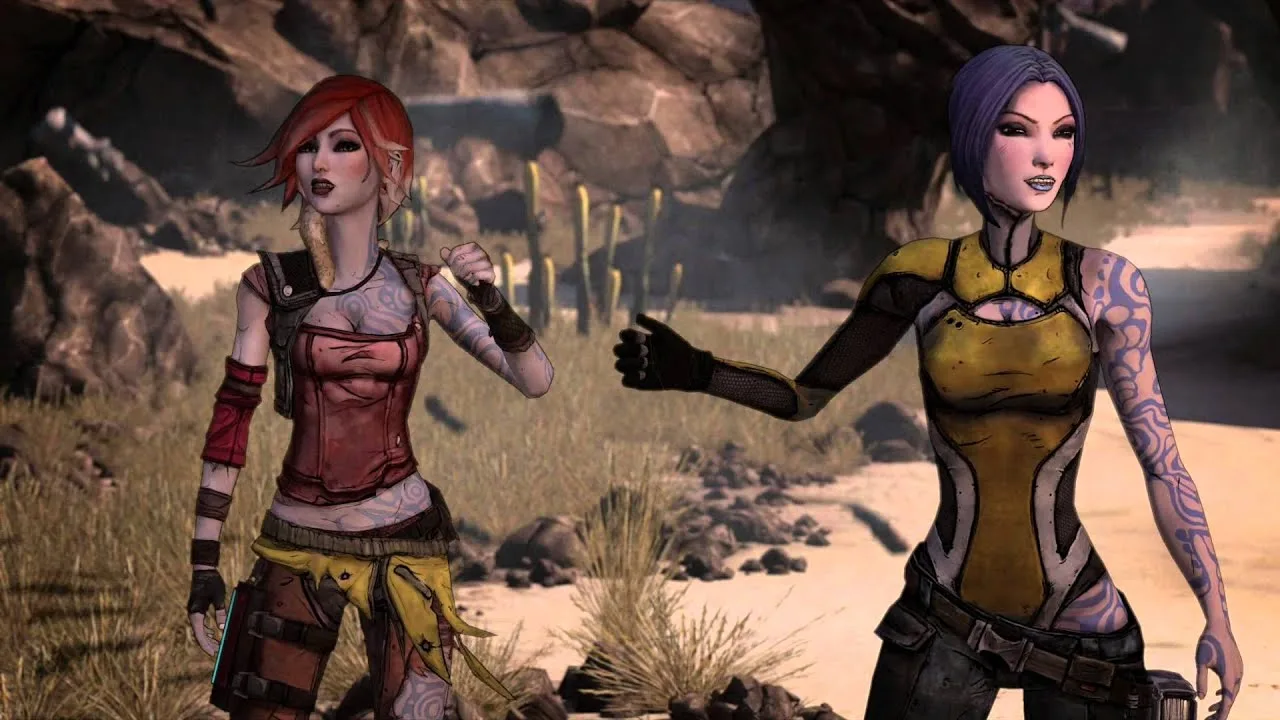
No Head Bob - Remove All Camera Shake (Python SDK)
This mod provides individual switches for head and weapon bob, sprint sway, sprint FOV changes, and camera shake from landing, firing, hits, and explosions. It requires no Cheat Engine setup.
Toggle the effects individually to remove the movements that bother you. The separate controls let you adjust specific sources of camera motion instead of making every change at once.
Remove Scope Sway
Remove Scope Sway removes scoped camera drift while aiming down sights, keeping the view aligned with your aim. Hip fire stays unchanged.
This download requires the Willow2 Python SDK. Use it to target scoped movement specifically.
Modern Third Person
Modern Third Person changes the camera perspective and includes custom crosshairs, character-specific camera configuration, and adjustments to weapon and shot alignment with the crosshair.
Configure the camera for the character you’re playing. Its per-character options give you control over the perspective rather than relying on a single camera arrangement.
Step Height Fix - Walk Up Small Steps at High FPS
Step Height Fix raises your character’s step height to address getting caught on small steps and curbs at high frame rates. Its step-height setting is adjustable in the mod options, and it works without requiring an FPS cap.
Adjust that setting to walk over small ledges that would otherwise interrupt movement.
Automated Looting, Rechargeable Grenades, and Vex

Auto Chest
Auto Chest opens nearby chests and containers without an interaction input. Supported containers include strong boxes, cash boxes, mailboxes, bandit ammo crates, coolers, and dumpsters.
An in-game slider controls the opening radius from 0–3000, with 0 turning the feature off. Set the radius through that slider to control how far the automatic opening reaches.
Rechargeable Grenades
Rechargeable Grenades replaces grenade ammunition management with a passive cooldown system inspired by Borderlands 4. Grenade charges regenerate over time, and an animated HUD countdown tracks the recharge.
It also replaces grenade ammo drops in the world and in chests with gun ammo. This changes both how grenade charges return and what ammunition you collect while exploring.
Vex for BL2
Vex for BL2 brings a community adaptation of Vex into Borderlands 2. It moves beyond interface adjustments into character-focused customization.
A separate OP10 Vex Save offers a character with the main mission complete and no DLC or side quests started. Choose that save only if those are the starting conditions you want.
How to Install the Willow2 Python SDK and SDK Mods
The SDK adds a MODS entry to the main menu, where you can configure installed SDK mods. The following process covers the Windows game installation, with an additional launch option for Linux through Proton.
-
Install the latest Microsoft Visual C++ Redistributable. Complete this prerequisite before setting up the SDK.
-
Download the latest SDK release archive. Select the release download rather than either source-code archive.
-
Locate your game folder. In Steam, right-click the game, select Manage, then Browse Local Files. Default installation locations are:
- Steam:
C:\Program Files (x86)\Steam\steamapps\common\<game> - Epic:
C:\Program Files\Epic Games\<game>
- Steam:
-
Extract the SDK archive directly into the game folder. Merge its contents with the existing folders and accept file-overwrite prompts.
-
For Proton, add the launch arguments. Use
WINEDLLOVERRIDES="ddraw=n,b" %command% -pf_tricks=vcrun2022. -
Launch the game and look for MODS on the main menu. Open it to access the SDK’s configuration interface.
-
Install individual SDK mods in the extracted
sdk_modsfolder. Place.sdkmodfiles directly inside it. For.zipdownloads, extract the inner mod folder intosdk_mods. -
Restart the game after installing mods. Newly added SDK mods load after a restart.
Pay particular attention to ZIP extraction: an extra folder nested around the actual mod folder prevents it from loading. Keep the extracted mod folder directly inside sdk_mods, then restart the game.
Continue exploring
Borderlands 2 Final Boss: Warrior Fight and Loot Guide
Face the Borderlands 2 final boss with a guide to the Warrior’s location, Second Winds, moonshot finish, legendary drops, and repeat farming. Prepare now.
Borderlands 2 Best Solo Character: Which One to Pick?
Find your Borderlands 2 best solo character with picks for beginners, endgame bosses, and different playstyles, plus Maya skill tips for a smoother run.
Join the community
Official channels for news, updates and player help: